
 Cart
Document Scanning
Choosing batch scanning software
Batch scanning software turns stacks of paper into named, indexed files. It separates documents, reads barcodes and text, and files each one where it belongs, so nobody has to type it in. Below are the products we sell in this category and who each one suits. Our US-based experts, each with 20+ years in the industry, can help you choose: call 865-637-8986 or request a quote.
Browse all document scanning software Compare features side by side
Our own scanning software
SimpleIndex
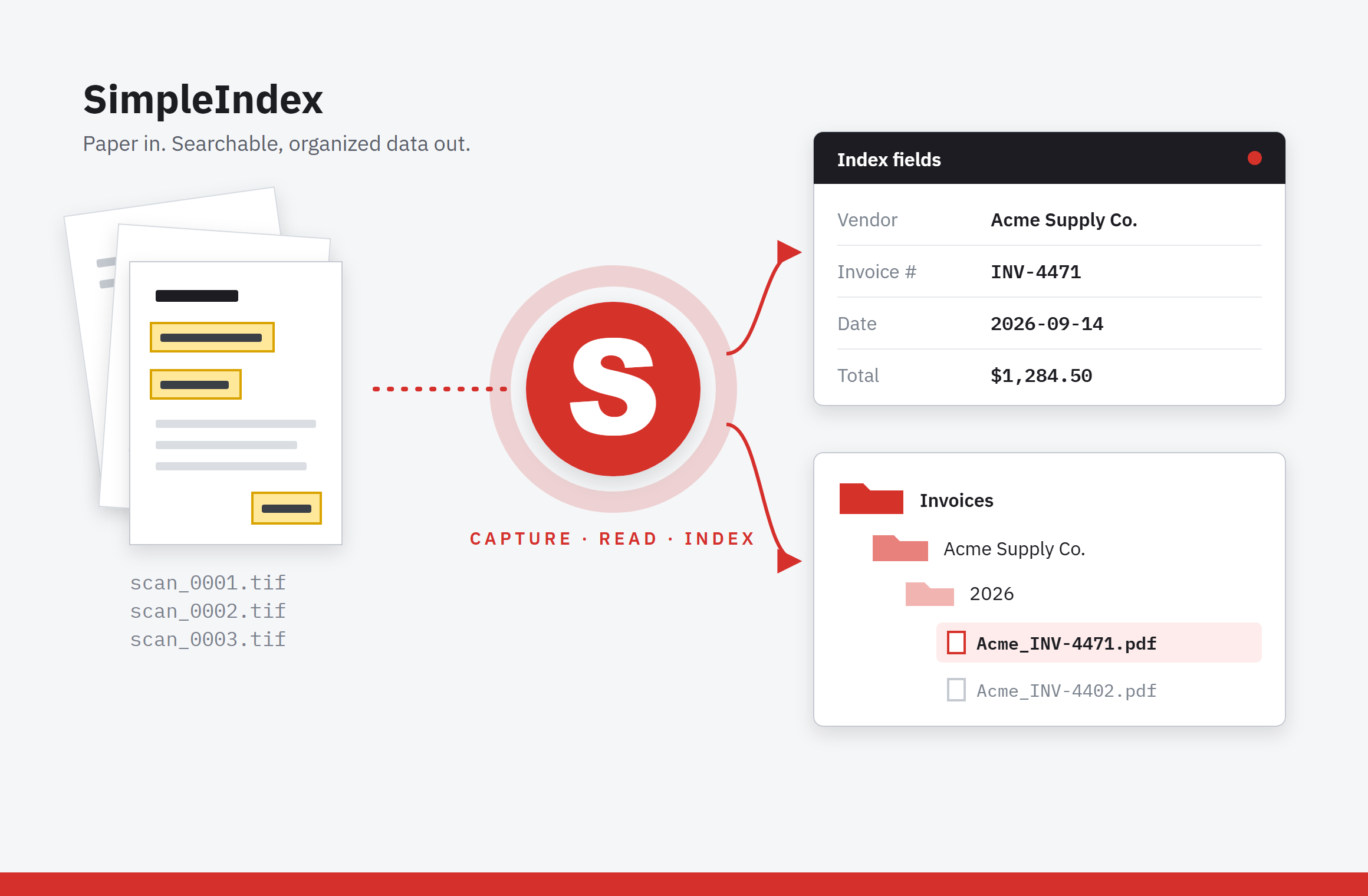
The easiest, lowest-cost way to batch scan. Barcode, zonal OCR and cloud OCR indexing, automatic file naming and one-click export to SharePoint, your document management system or a folder structure. Runs on one workstation or across a department, with no page-count limits.
Other batch scanning software we sell
Which one fits?
| If you need to… | Start with |
|---|---|
| Scan and file batches at the lowest cost, on one PC or a few | SimpleIndex |
| Run one production scanning station that feeds a Digitech or other ECM system | PaperFlow |
| Spread scanning, OCR and indexing across several operators or sites | PaperVision Capture or IRISPowerscan |
| Capture high volumes on Kodak Alaris scanners | Capture Pro |
| Not sure | Ask an expert |
Why automate the scanning?
Buying a scanner and feeding paper into it doesn't save money by itself. The savings come from not typing: if automation costs $3,000 to set up and saves an employee 10 hours a week of data entry at $25 an hour, it pays for itself in 12 weeks. Batch scanning software can:
- Read barcodes on each document or on cover sheets to separate and file a stack automatically
- Read a zone such as an invoice number, date or amount with zonal OCR
- Look up the rest by matching one field against your database
- Make every page searchable with full-text OCR
- Find data that moves around the page with dynamic or cloud AI OCR
Looking for something else?

 All FAQ Topics
There are many types of document scanning software and finding the right one can be confusing. ScanStore has several original guides to help you find the right software for your project.
- Comprehensive review of the top 6 desktop document scanning applications
- Side-by-side feature comparison of document scanning and data capture applications
- Side-by-side feature comparison of document management applications
- Detailed guides for choosing a document scanning, document management, OCR or data capture application. Which is which? Click here!