Fujitsu scanner lamps
Older Fujitsu scanners light the page with a fluorescent tube, a CCFL lamp, driven by a small power board called an inverter. Lamps dim and fail with age, and a failing lamp or inverter is one of the most common reasons an older fi Series scanner stops working. Fujitsu's newer scanners, now sold as Ricoh, use LED light sources instead, which last the life of the scanner and rarely need replacing.
Signs of a failing lamp
- Images come out dark, uneven or tinted, or darker on one side of the page than the other.
- The scanner shows a lamp or optical error, or fails its self-test when it warms up.
- One side of a duplex scan is fine and the other is dark: duplex models have a separate lamp for each side.
Before replacing anything, clean the scanner glass and run the scanner's shading calibration if it has one. Dirty glass causes streaks and lines that look like a lamp problem. See diagnosing scanner problems.
Finding a replacement
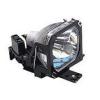
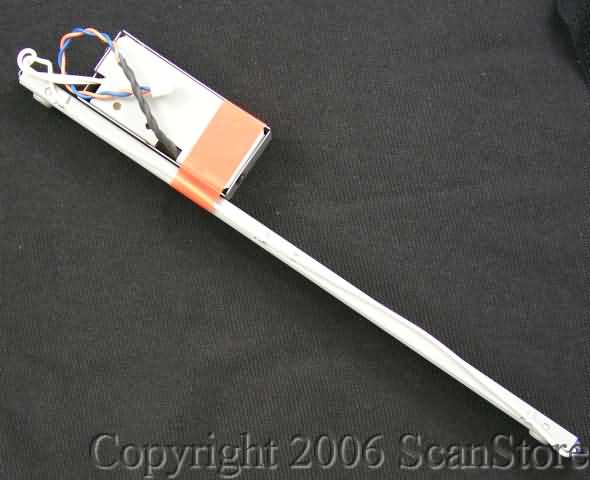
Fujitsu stopped making lamps for many of its older models, such as the M309x, fi-4000 and fi-5000 series, and we still have stock for only a few. Match the Fujitsu part number, which usually starts with PA or CA and is printed on the lamp assembly, or open your scanner's page and use List parts. If the lamp you need is gone, a current model such as the Ricoh fi-8170 often costs little more than the repair, scans faster and comes with a warranty. Send us your model and we'll tell you which makes more sense.
Related
Fujitsu lamps in stock -
Fujitsu and ScanSnap scanner parts -
Current Fujitsu and Ricoh scanners
|

 Cart
Cart

 SP15C - Drop-Out & Replacement Lamps - 0001.JPG)

 All FAQ Topics